



Integration Health
Continuous Visibility, Not Periodic Reviews
Every Core Connector, Studio, EIB, PECI and Payroll Interface integration in your tenant, scored out of 100 against a defined set of health checks. Know what needs attention, why, and what to fix first.
Score every Workday integration
Core Connector, Studio, EIB and PECI
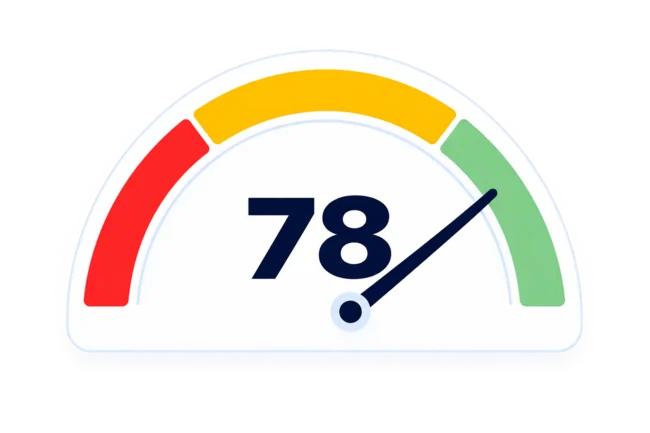
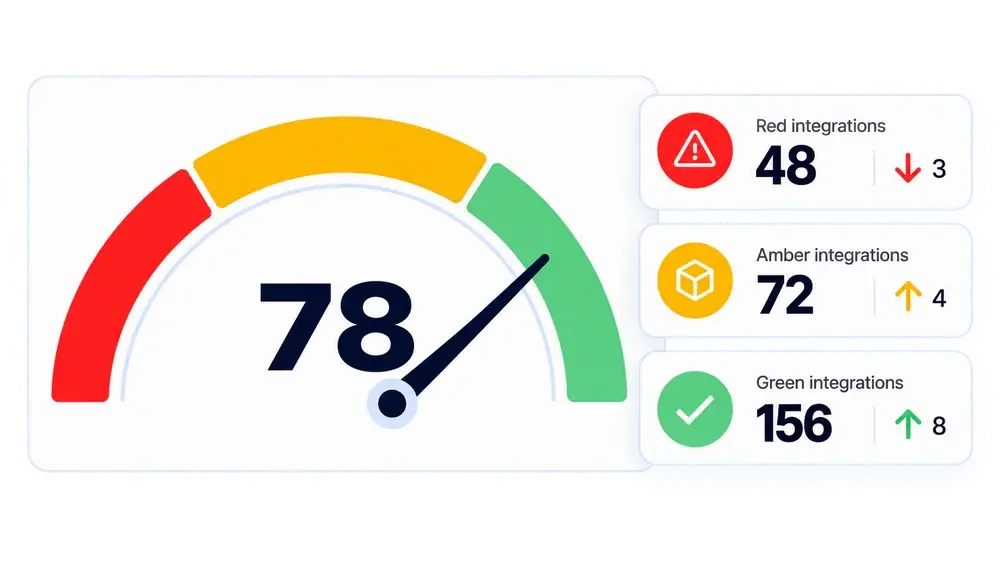
Every active integration scored out of 100 against the same set of checks, covering how it is built, how it handles errors, its security posture and its operational risk. One baseline across the landscape.
See the checks behind each score
Build quality, security and error handling
Each score breaks into the checks behind it, covering build quality, security, error handling and operational risk. See what failed and what it found, such as an expired certificate or a Studio assembly with no error handler.
Rank risk by consequence
Weighted from 0 to 100
Checks carry a weight from 0 to 100, set by consequence rather than by effort. A structural build fault weighs far more than an inconsistent name. Fix what moves the score first.
Track tenant health daily
Green, Amber and Red over time
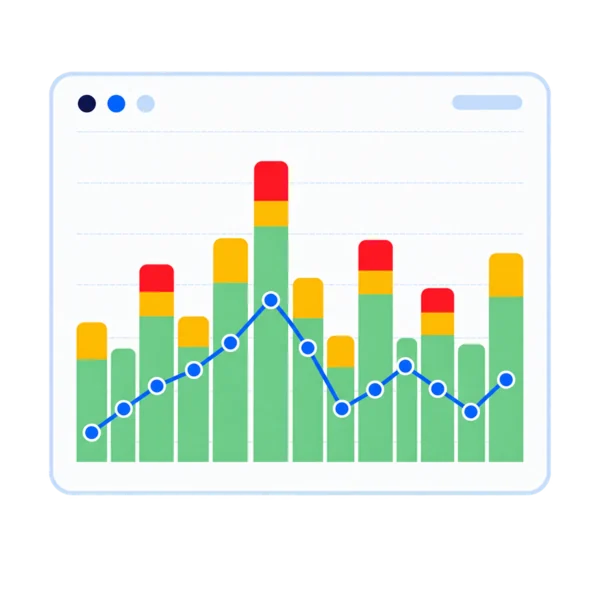
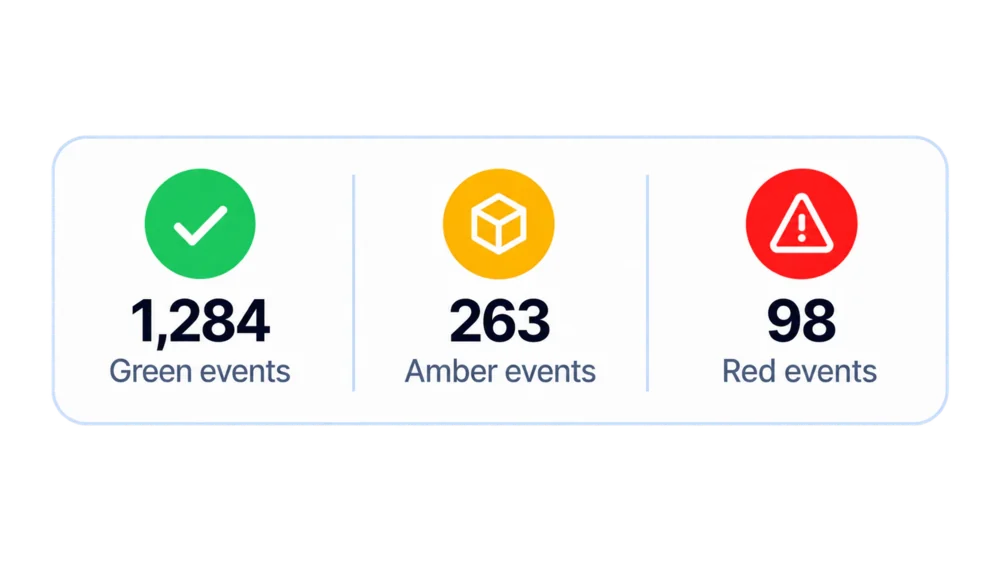
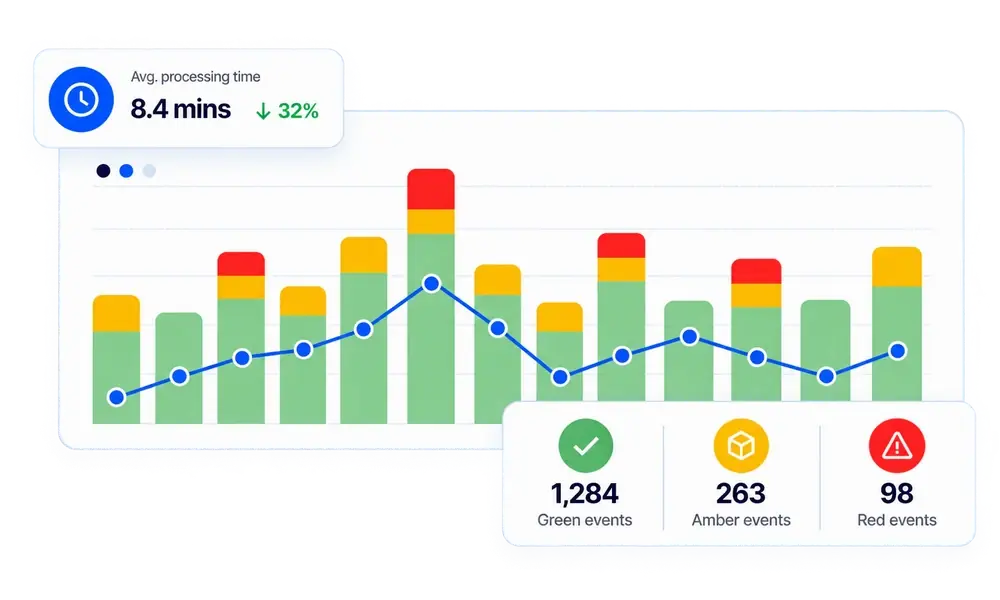
Scoring runs daily. Track tenant health and the Green, Amber and Red balance day by day, and per integration type, Core Connector against Document Transform. Progress shows across months.

Run Time Metrics
See What’s Driving Processing Time And Report Activity
See how your integrations are actually running, not just whether they completed. Duration, outcome, error and warning counts and the initiating account, captured for every integration event and collected every 15 minutes.
Measure integration run time
Start, completion and duration
Start and completion timestamps and total duration for every run. One check compares average run time against the integration’s own earlier schedules, flagging steady slowdown while every run still succeeds.
Find the heaviest integrations and reports
Processing time and run counts
Total processing time and run count per report and per integration, successful and unsuccessful counted separately. The heaviest consumers rise to the top.
Separate integration load from user demand
Report calls by ISU or named user
Report demand splits by whether the caller was a person or an integration system user. Processing time under an ISU is integration load, under named users it is human or vendor activity.
Investigate a single integration event
Duration, account and Workday messages
Move from the landscape into run history and the individual event, with duration, initiating account, error and warning counts, and the message Workday returned in full.

Incident Management
Detect Earlier, Investigate Faster With The Full Picture
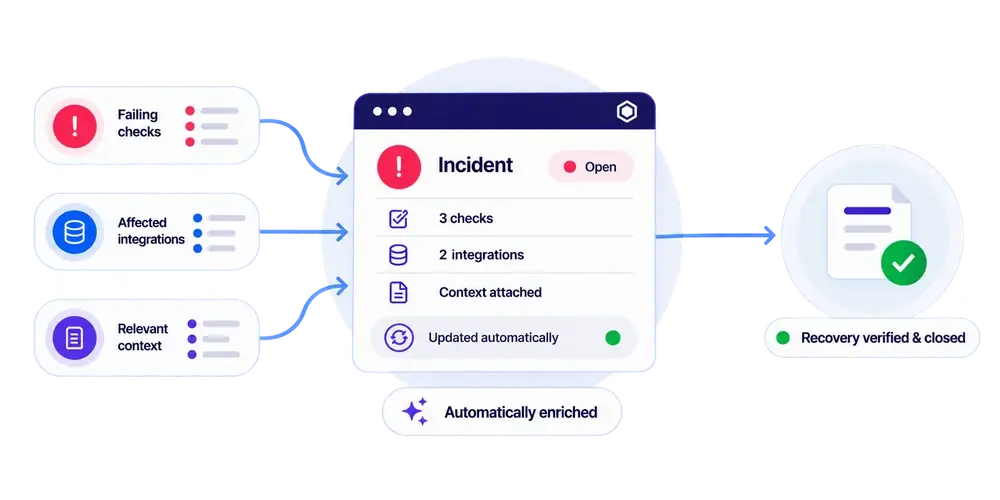
Catch issues before someone reports them. Rules open an incident the moment a named health check fails or an event hits a status you care about, evidence attached. Your team can raise its own against any integration or the tenant, and assign an owner.
Detect Workday integration failures
Rules on health checks and event status
A rule watches one of two signals, either named health checks turning failing or an event reaching Green, Amber or Red. It names the checks it wants, so it can watch certificate expiry and ignore naming conventions.
Open incidents with the evidence attached
Integration, check, run and rule
Every incident opens with the integration, failed check, run and rule attached. Priority and wording come from the rule, not from whoever noticed, so the same condition reads the same way every time.
Group related failures into one incident
Scoped by integration tag
Scope a rule to an integration tag and new integrations inherit the policy automatically. Related failures group into one incident, with further affected integrations attached as it develops.
Close incidents when the check passes
Recovery confirmed by the check
When the health check that raised an incident returns to passing, it closes automatically. Everything else stays open for a person to close, with status history and comments retained.

Blueprint Live
Specifications From The Configuration, Not From Memory
Understand how every Workday integration works today. Blueprint Live builds a technical specification from the integration's current configuration, including launch parameters, endpoints, schedules, referenced reports and certificates, and for Studio integrations its CLAR assembly and XSLT. A deterministic analyser runs before the model is called and produces a machine checked set of findings. Those findings include unused variables, unreachable branches, mapping divergences, dead templates, ISU posture and what changed since the previous version. The model structures them and adds nothing.
Document how each integration works today
Built from the live configuration
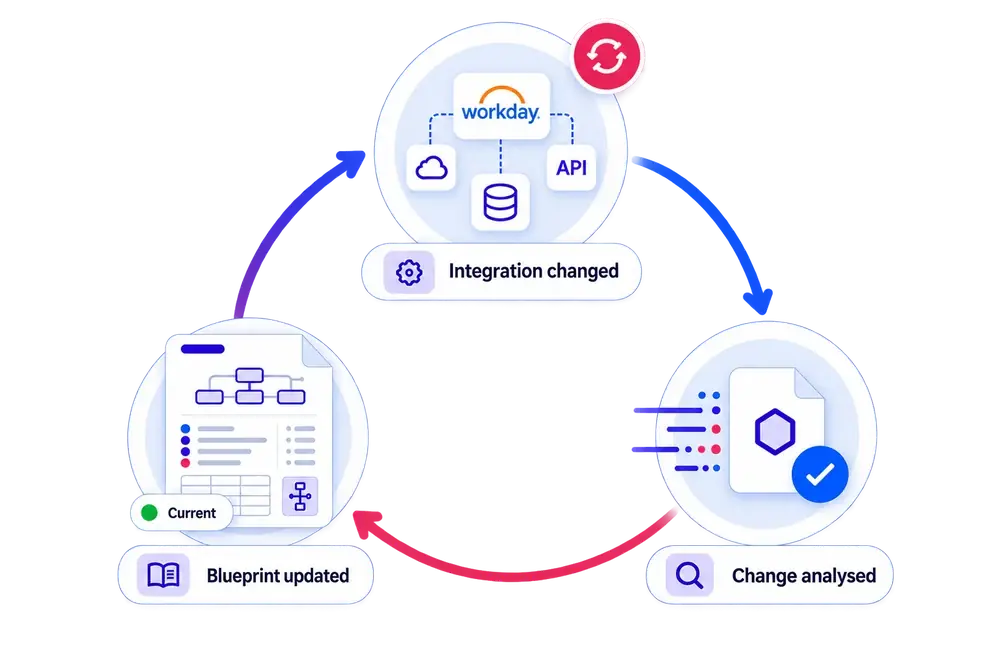
A specification built from the configuration as it stands today. Findings are computed before the document is written, so every one of them is checked against the tenant.
Regenerate documentation after every change
Only the integrations that changed
Insights detects the change and regenerates only the integrations that changed. Documentation stops being a task someone remembers and becomes a byproduct of the integration itself.
Hand over an integration in minutes
Parent, children and behaviour in one place
A developer picks up an integration they have never seen and reads how it behaves, including the parent above it and the children beneath. Everyone works from the same specification.
Produce audit evidence on request
Current specification, generated on demand
Current technical documentation whenever change, transition or audit calls for it, generated from the configuration rather than assembled for the occasion. No review and refresh project before it can be shown.
Frequently Asked Questions
Find answers to the most common questions about Insights, including who it's for, how onboarding works, pricing, and how it works alongside your existing Workday monitoring.
What is Insights?
A Workday integration monitoring platform. Integration Health, Run Time Metrics, Incident Management and Blueprint Live in one view, so your team sees the condition of every integration, how it runs, how it is built and the certificates it relies on.
Who is Insights for?
Any Workday customer running integrations, whatever the size of the landscape. HRIS and integration teams use it day to day, and the people they report to use it to see whether things are improving. Insights doesn't replace your integration team or your AMS provider. It gives them more to work from and the evidence to investigate with.
What Workday integration types does Insights support?
Every integration in the tenant, classified into one of ten templates, which are Core Connector, Studio, EIB Outbound, EIB Inbound, PECI, WECI, Payroll Interface, Document Transform, Orchestration and Other. Scores are reported per template as well as across the landscape, so you can read it as "Core Connector is healthy, Document Transform needs attention" instead of one undifferentiated number.
We already have Workday monitoring in place. Do we still need Insights?
Native Workday monitoring tells you whether an integration ran. It gives limited visibility of the landscape as a whole, failures are handled reactively once something has already gone wrong, and a run marked successfully completed can still be hiding a problem. Insights additionally scores how each integration is built, tracks how its behaviour changes over time, and relates failures across the landscape. The clearest way to see the difference is on a demo.
Who created Insights?
IntSys Solutions, a Workday integration partner with over 40 years of collective experience delivering Workday integrations. What it monitors comes from the problems the team has spent years fixing on live Workday landscapes.
How do you monitor Workday integrations?
Workday's process monitor and integration events show whether a run completed and what errors it returned. Beyond that, most teams build reports, schedule alerts and review manually, one integration at a time. Insights reads integration configuration, run history and report activity from Workday directly, and brings build quality, error handling, performance and failure patterns into one view across the whole landscape.
What is a Workday integration health check?
An assessment of an integration against a defined set of technical checks covering how it is built, how it handles errors, its security posture and its operational risk. Findings are weighted by consequence, so the things that matter most move the score most. Every integration is scored the same way, which is what makes the landscape comparable. We walk through the checks and what they find on a demo.
How do you get alerts when a Workday integration fails?
Workday can notify on integration events, and many teams route those into email or a ticketing queue. The difficulty is volume, one alert per integration per run, with nothing deciding what matters. Insights raises an incident automatically when a rule you have defined is breached, either a named health check starting to fail or an integration event reaching a status you care about. Related failures are grouped into one incident, with the evidence that raised it attached. Custom incidents can also be raised manually to track scoped work outside remediation.
When do we get documentation for our integrations?
From onboarding. Blueprint Live generates a technical specification for every integration in the landscape, not a selected sample. From that point on it stays current. When an integration changes, Insights identifies the change and refreshes the specification, so nobody maintains it by hand.
How does Blueprint Live know what it is describing?
The findings in a specification are computed before the model is called. A deterministic analyser runs first and produces a machine checked set of findings. These include unused variables, unreachable branches, mapping divergences, dead templates, ISU posture and what changed since the previous version. That set is handed to the model as an authoritative checklist. Every factual statement comes from that computation. The model structures and expresses the findings it was given.
What access does the AI in Blueprint Live have?
Blueprint Live's AI model does not touch your Workday tenant, personal data or third party systems. It works only from the technical results Insights has already produced and turns those into a structured specification document. No wider access.
How often does Insights collect data from Workday?
Integration events, custom reports and Workday release announcements every 15 minutes. Integration systems, business process definitions, scheduled processes, run history, health checks and more, hourly. Certificates daily. Collection is incremental after the first load, and the schedules can be set per customer.
Do we need to install anything in our Workday tenant?
No. Insights is a read only consumer of Workday web services. No custom code, no tenant modifications, and nothing is ever written back to Workday.
What Workday permissions does Insights need?
A Workday integration system user with read only access to the domains covering the web services Insights reads. No write access is required at any point.
Where is our data stored?
Insights data resides in the United Kingdom. Where a customer has a specific data residency requirement, the platform supports deploying to another region. Talk to us about it.
Can we review the security architecture in detail?
Yes. We'll walk your security team through tenancy isolation, authentication, permissions and data handling, and complete your security questionnaire. IntSys Solutions holds ISO/IEC 27001:2022 certification. Get in touch.
What does the onboarding process look like?
Once your integration system user and single sign on are configured, Insights is live in your Workday tenant within 30 minutes, with every integration discovered, scored and documented. Our team then runs discovery and enablement sessions, so your team knows how each feature works and what to do with what it shows. Book a demo to see what it looks like on your landscape.
Is there a free trial?
Yes. Insights is free for 14 days. The 14 days start on the day your tenant is connected, not the day you apply, so configuration time does not come out of your trial. Nothing is installed in your Workday tenant and Insights cannot write to it. Request a trial.
What does Insights cost?
The first 14 days are free, starting from the day your tenant is connected. Pricing is based on the number of integrations in your landscape, and is quoted per customer. Book a call with the Insights team for a figure based on your integration count.