Access granted once and never revisited
Somewhere in your tenant there's an integration system user that was set up for a project that finished a long time ago. Nobody's sure whether it still does anything. Nobody's switched it off either, because disabling an account when you can't tell what depends on it is the choice that can go wrong.
That account still holds whatever domain access it was given on the day it was built.
It usually comes down to timing. Permissions get decided during a build, by whoever is trying to get the integration running, and usually against a date. Workday never asks anyone to revisit that decision, and no integration breaks because they didn't.
The account and the group
The ISU is just an account. You create it with Create Integration System User, and Workday sets its Session Timeout Minutes to zero on purpose so that a long integration run doesn't lose its session halfway through.
On its own it can't reach anything.
The access lives in the security group, which is a separate object created with Create Security Group. That's where any conversation about too much access should be aimed. When someone says an ISU has too much access, what they mean is that a group it belongs to does.
It's worth being precise here because it changes what you audit. The groups are what you need to look at.
Why Unconstrained is so common
When you create the group, Workday asks what type you want. The one nearly everybody picks is Integration System Security Group (Unconstrained).
Unconstrained means the group's access isn't limited by organisational context. Grant it a domain and it reaches every instance of that data in the tenant, including the parts of the organisation the integration was never built for.
Almost every vendor setup guide tells you to use Unconstrained. It works in every tenant whatever the org structure looks like, which is exactly why the guides specify it. A vendor can't know how your organisation is set up, so it makes sense for them. It also means the reach of your integration was set by a dropdown somebody filled in while trying to get something working.
Get, Put, View and Modify
Domain security policies carry separate permissions for reporting items and for integration actions, and you set them in Maintain Permissions for Security Group. The labels change depending on which you're looking at, and that catches people out.
For integrations, Get has replaced View and Put has replaced Modify. They mean the same read and write access under different names. Get lets an integration read, Put lets it write, and those two decide what it can do.
An integration that only reads needs Get and nothing else. Adding Put lets it change the payroll data it was only ever meant to report on.
The two boxes sit side by side on the form. Ticking both takes a second and saves a round of permission errors later, so it's easy to see why people do it.
A rule that catches out experienced admins
If you've built segmented security, there's a rule that can quietly undo it.
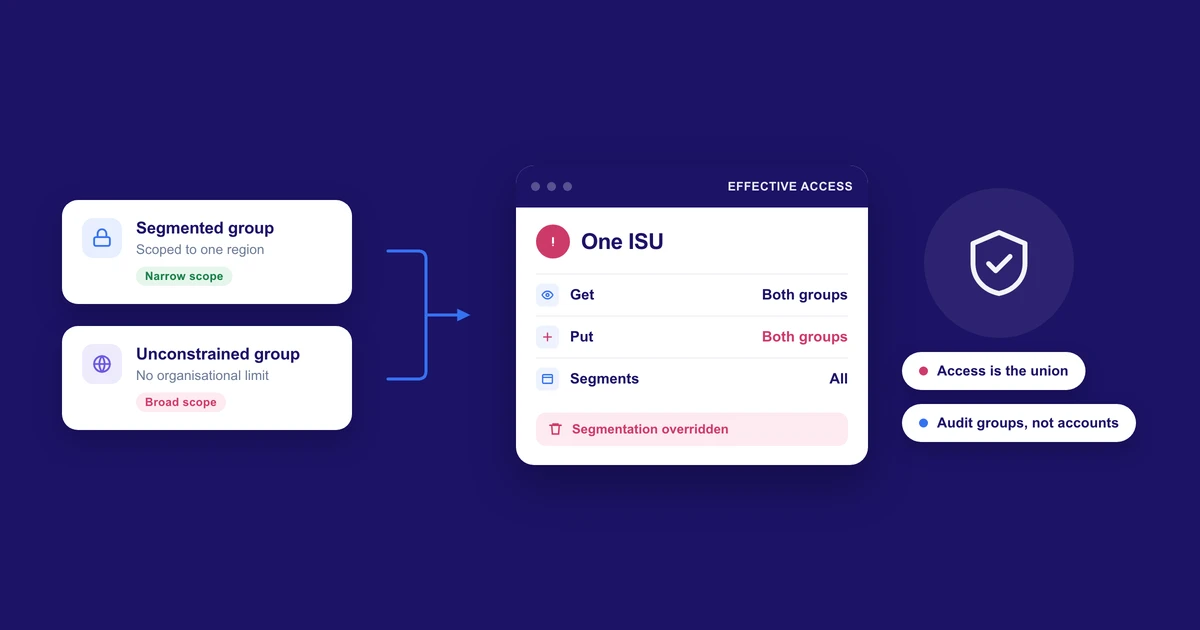
Workday's documentation is clear about it. A user who can reach a domain through a segmented security group and also through an unsegmented one gets access to all segments.
So the careful segmentation on one group is lost as soon as the ISU also belongs to a broader one. The broader group's access applies in full.
In practice that means auditing a single security group tells you very little. What an ISU can reach is the union of every group it's in, and you only see that by looking at all of them together.
How the access builds up
Nobody's being careless when this happens.
Debugging is a common cause. An integration fails in sandbox with a permissions error, and the quickest way to test whether permissions are the problem is to widen them. It works, and nobody narrows them afterwards because that would mean retesting something that's currently fine.
Shared groups do the same thing more slowly. One security group ends up serving several integrations, each new one adds the domains it needs, and nobody removes any in case it breaks an integration that belongs to another team. So the group keeps growing.
Vendor guides add to both, for the reasons above.
Decommissioning is the one that matters most. An integration gets retired and its ISU stays, because nothing in Workday links the two records and nobody wants to be the person who disabled an account that something turned out to depend on. What's left is a live credential with real domain access that nobody is reviewing.
Checking what you've got
It's an afternoon's work.
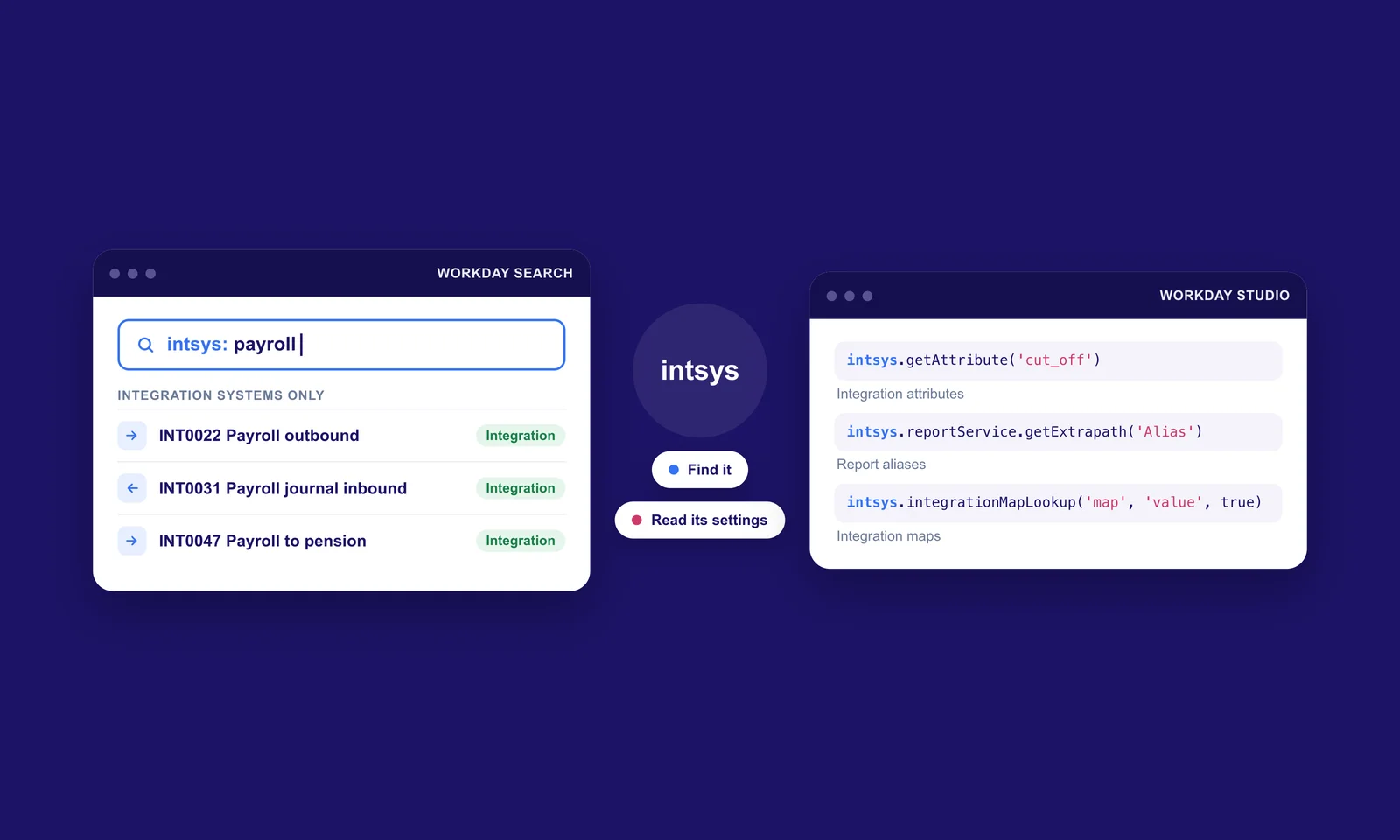
List every integration system user in the tenant, including the ones you don't recognise, since those tend to be the interesting ones. For each one, find every group it belongs to. The segment rule above is the reason you need all of them.
Run Domain Security Policies for Functional Area against each group and read each of the four permission columns on its own. Anything holding Put on a domain the integration only ever reads is the first thing to correct, and usually the easiest.
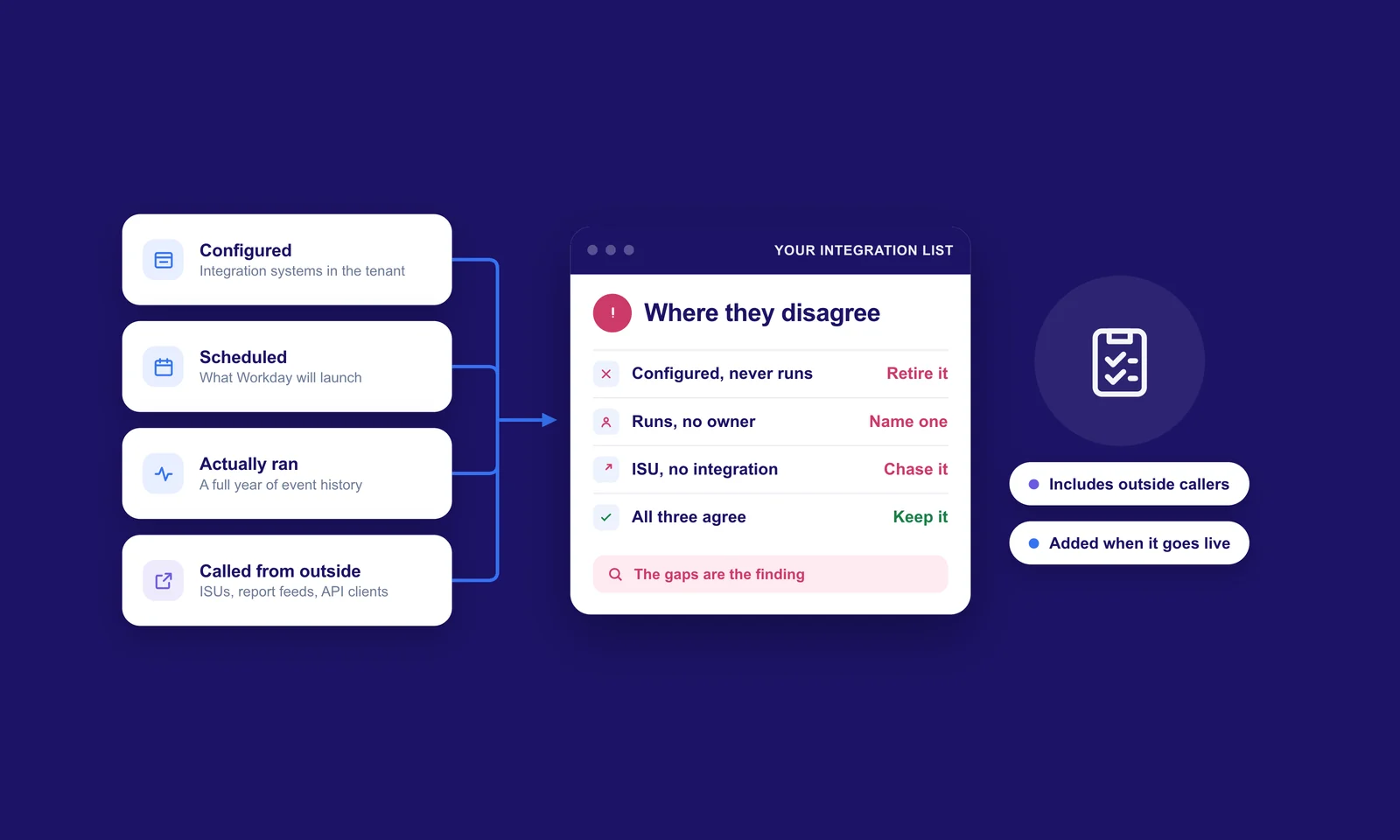
Then reconcile the list against what's actually running. Every ISU should tie back to a live integration with a named owner. The ones that don't are what you're looking for, and in most tenants we look at there are some.
Two reports are worth keeping open while you work. Domain security policies with pending changes shows changes you've made that haven't been applied yet, and View All Security Timestamps lets you roll back if a change goes badly.
Nothing takes effect until you run Activate Pending Security Policy Changes. It asks for a comment. Write a proper one, because six months from now it's the only record of why the permission changed.
What it costs
Mostly extra testing.
A tightly scoped ISU throws errors during a build, because every missing domain shows up as one. Each new requirement means a permission request, an activation and another test. A team working to a date will feel that, and security advice that pretends otherwise tends to get ignored.
In return you get a tenant where anyone can quickly say what an integration is able to reach. Retiring an integration also becomes a decision someone can actually make, because its access belongs to it alone.
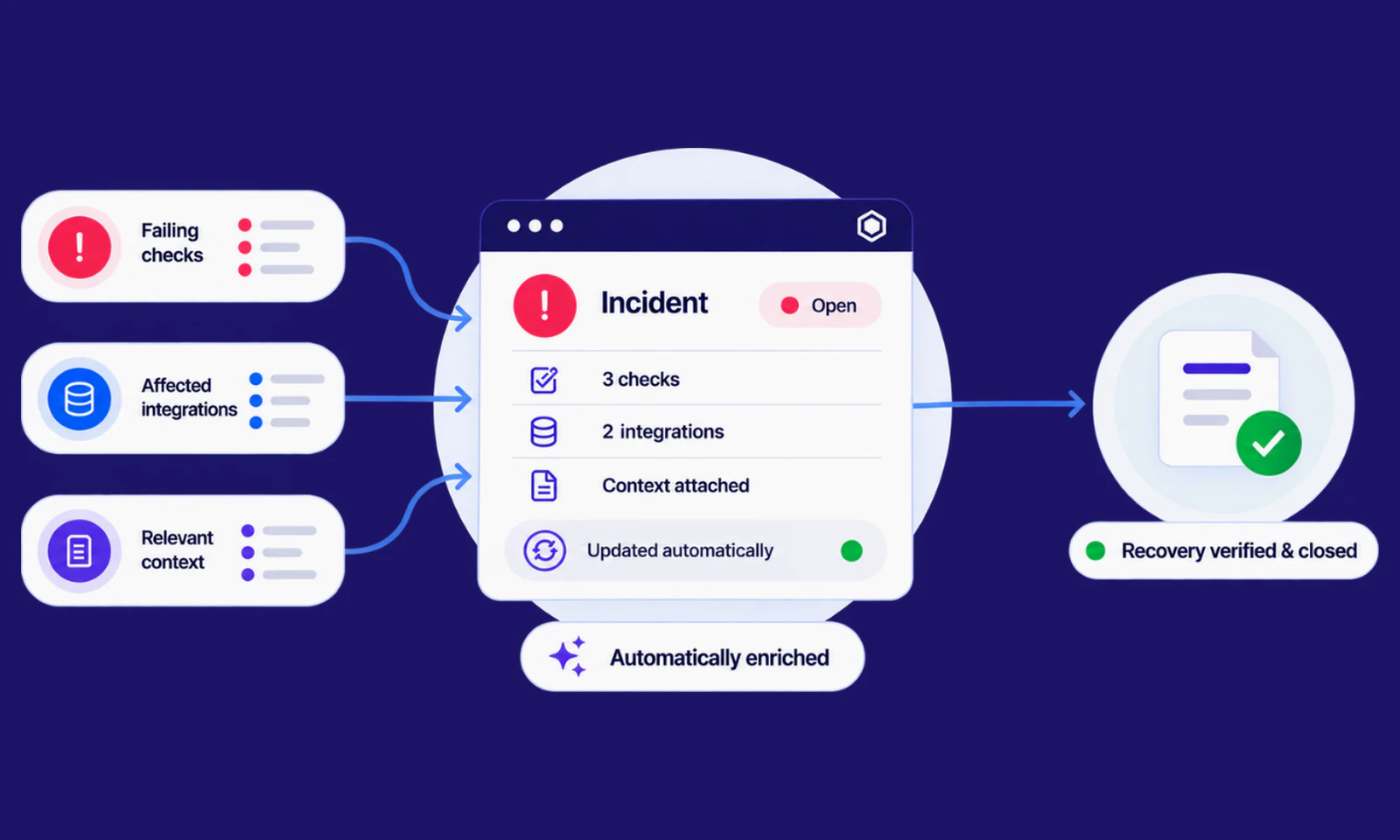
The teams who manage this well decide the permission model deliberately at the start and then hold to it. It's the same habit that helps with incident management, where deciding once what deserves a ticket saves deciding again every time an alert fires.
Where to begin
Find out how many ISUs you have and what each one can reach today, and check whether the ones attached to retired integrations were ever switched off.
Someone just has to go and look and write down what they find. Nothing in Workday prompts anyone to do that, which is usually why it hasn't happened yet.